Deutsch · English · Nederlands
‹ Wohnmobil-Akte – product page
‹ All topicsQuick start
From an empty app to your vehicle file in a few minutes.
In short
Choose make and model, read in your invoice or order confirmation, tick the suggested equipment. With the demo data you can try everything safely first.
Watch the video
Short video with narration: 1:59 minutes
Short video with narration: 1:59 minutes
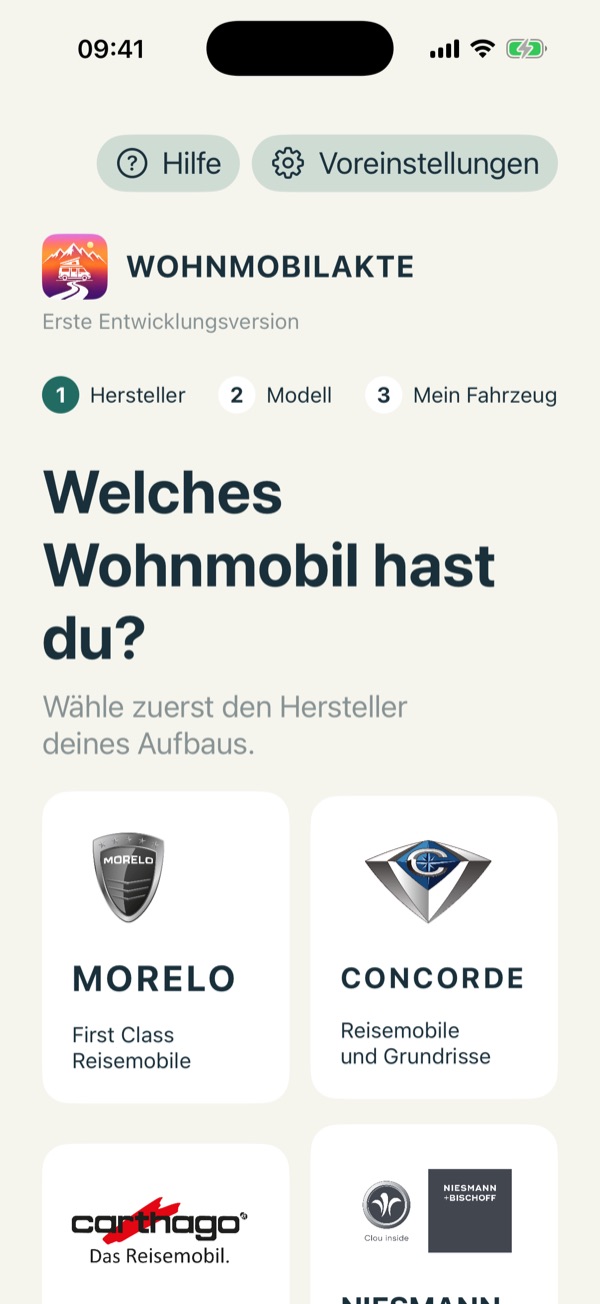
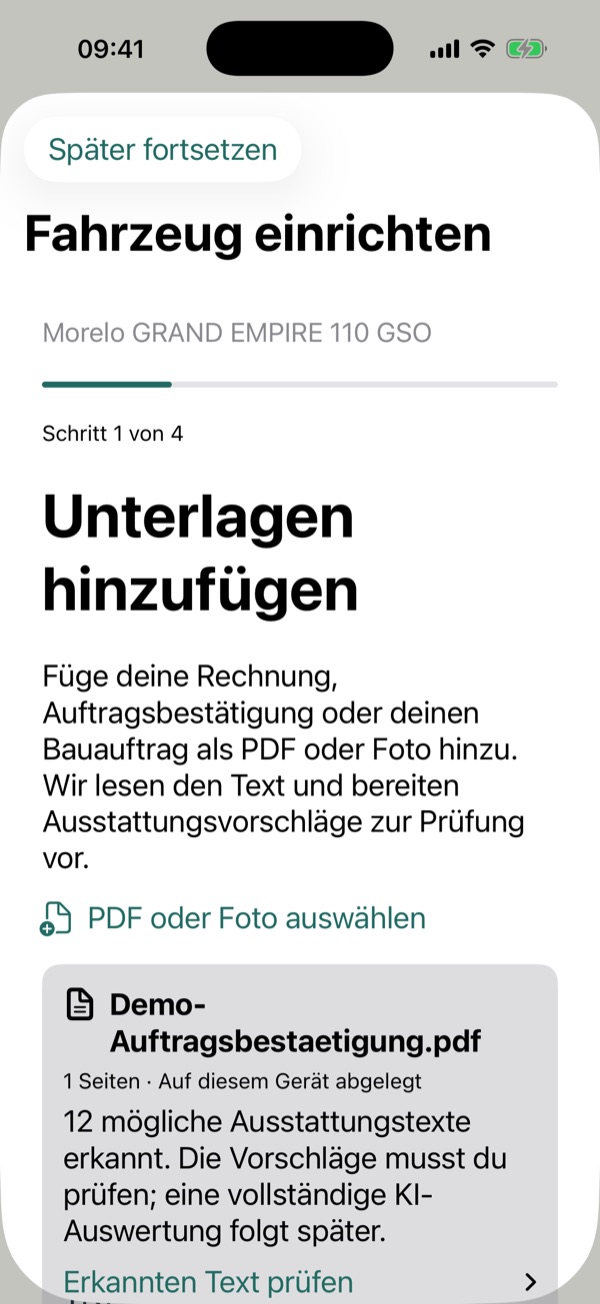
Getting started
- Choose the make, then model range and model. If your model is missing, switch on My model isn’t listed and enter it yourself.
- In Set up vehicle, add your invoice, order confirmation or build order: Choose PDF or photo or, on iPhone, Scan document with camera.
- The app reads the text and suggests devices. Under Confirm equipment you tick what is really installed. Nothing is added without your tick.
- Scan the vehicle registration: number plate, VIN, dimensions and weights are then in your file. Dutch card-format registrations (Kentekenbewijs) work too (front and back).
- Done. The Overview shows all areas as tiles.
Try it with demo data
Under Settings → Load demo data the app fills every area with examples: invoices, inspection dates, faults, a trip with diary. Everything is marked as demo.
When you have seen enough: Settings → Remove demo data. Your own entries stay unchanged.
What next?
Scan invoices – amount, date and category are recognised. Add inspections & appointments – the app reminds you in time. On the road, use Trips & logbook.
Don’t need an area? Settings → Home screen: sections: hide areas.
Tapping Help at the top opens the manual for the area you are in. On the Mac: F1 or the Help menu.
Wohnmobil-Akte manual · As of 18 Oct 2026 · Images with demo data · Screenshots show the German version of the app.